Data Resource Catalog
Definition
This module is used to maintain the category system for platform data resources. It supports tree-structure display and helps users classify and manage rules, tasks, and other content by business dimension.
- 📁 Supports adding, editing, and deleting data resource catalogs.
- 🧭 Provides tree-structure display and hierarchy maintenance.
- 🔍 Supports quickly searching data resource catalog information by name.
Scope
1. Data Resource Catalog Page
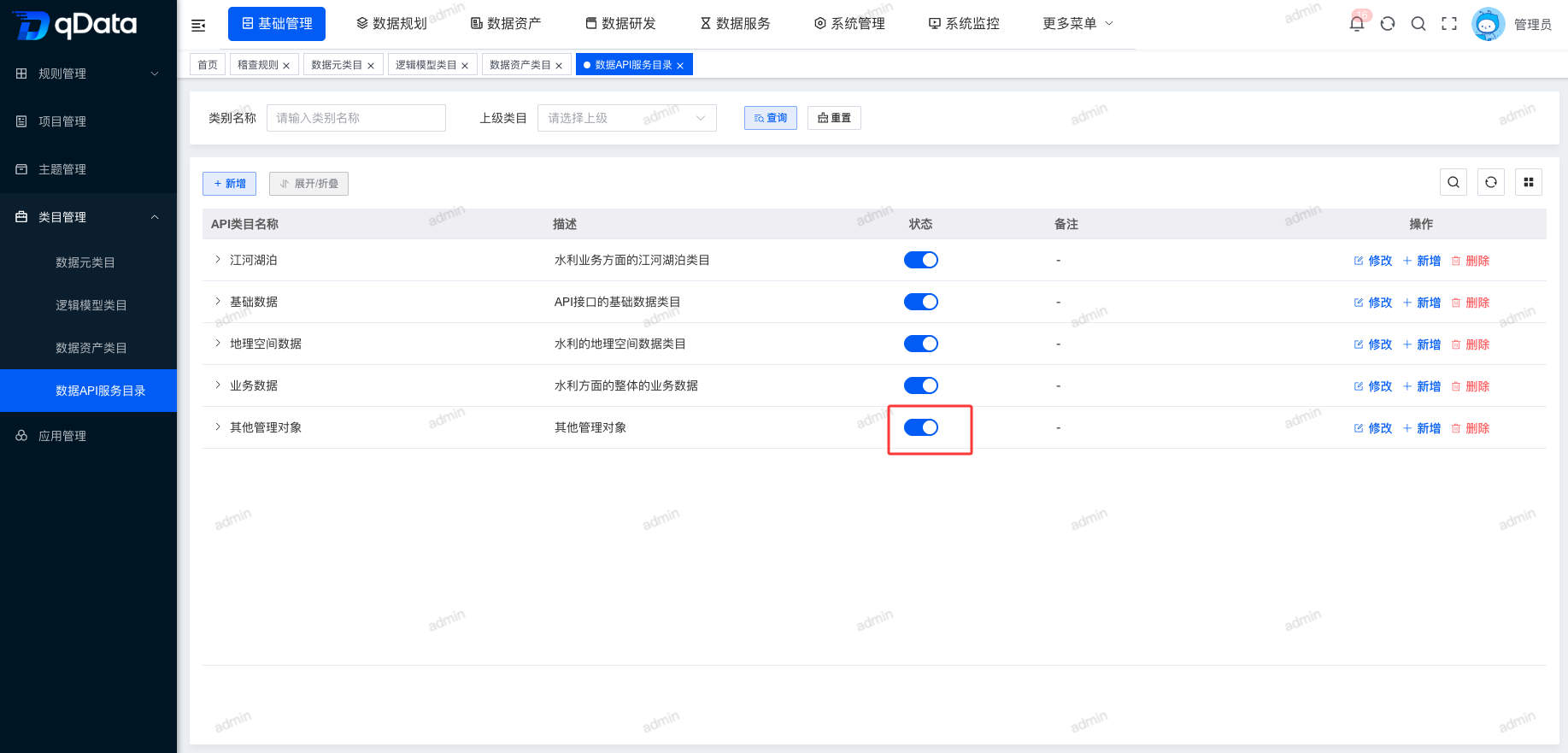
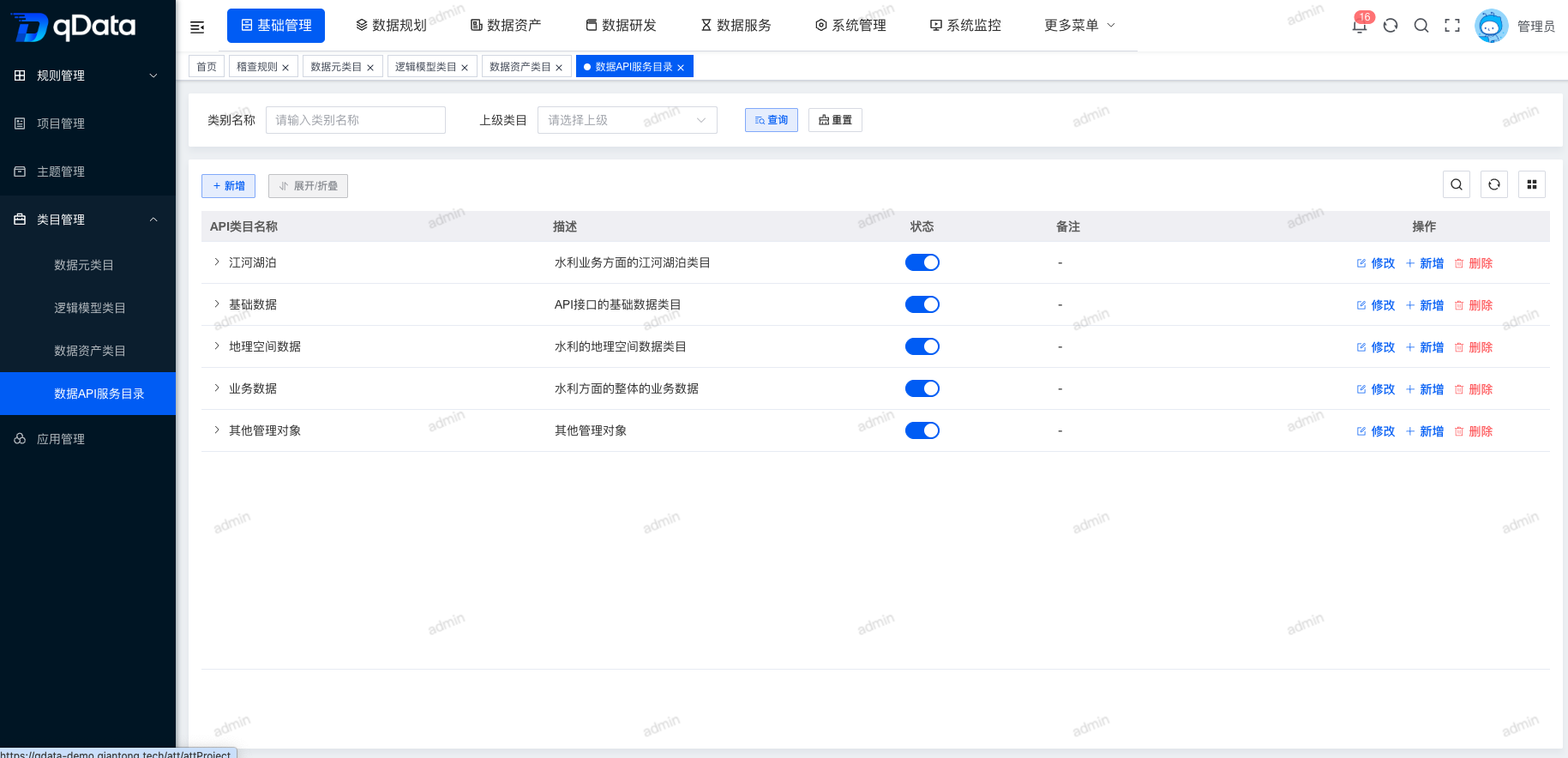
Click Data Resource Catalog under Basic Management → Category Management to open the Data Resource Catalog page. The page displays a tree-structure list of fields including data resource catalog name, description, status, and remarks.
2. Add Data Resource Catalog Information
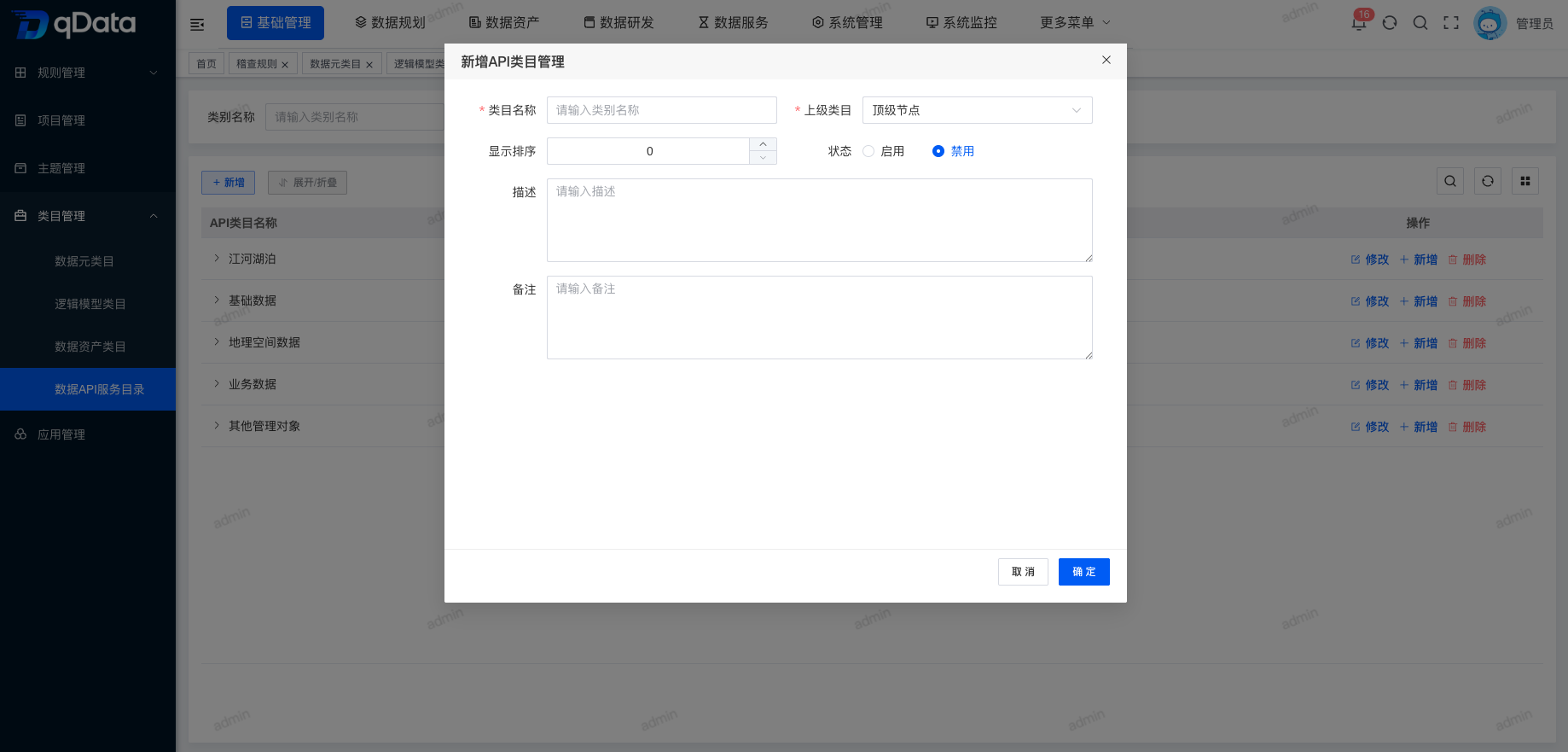
Click Add, fill in the data resource catalog information in the dialog, and click OK to complete adding data resource catalog information.
3. Edit Data Resource Catalog Information
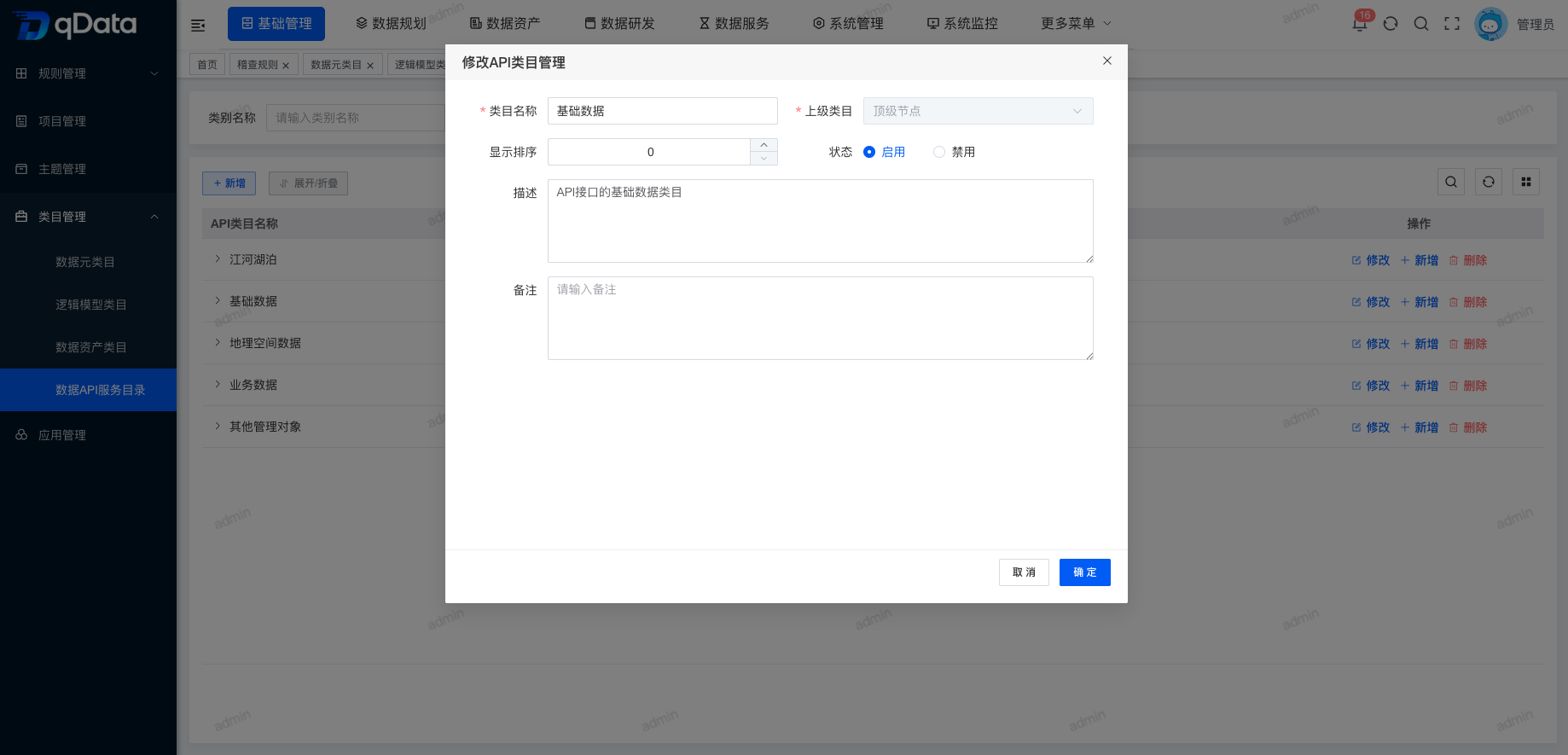
Select the data resource catalog information to edit, click Edit in the operation column, edit the existing data resource catalog information in the dialog, and click OK to complete editing.
4. Delete Data Resource Catalog Information
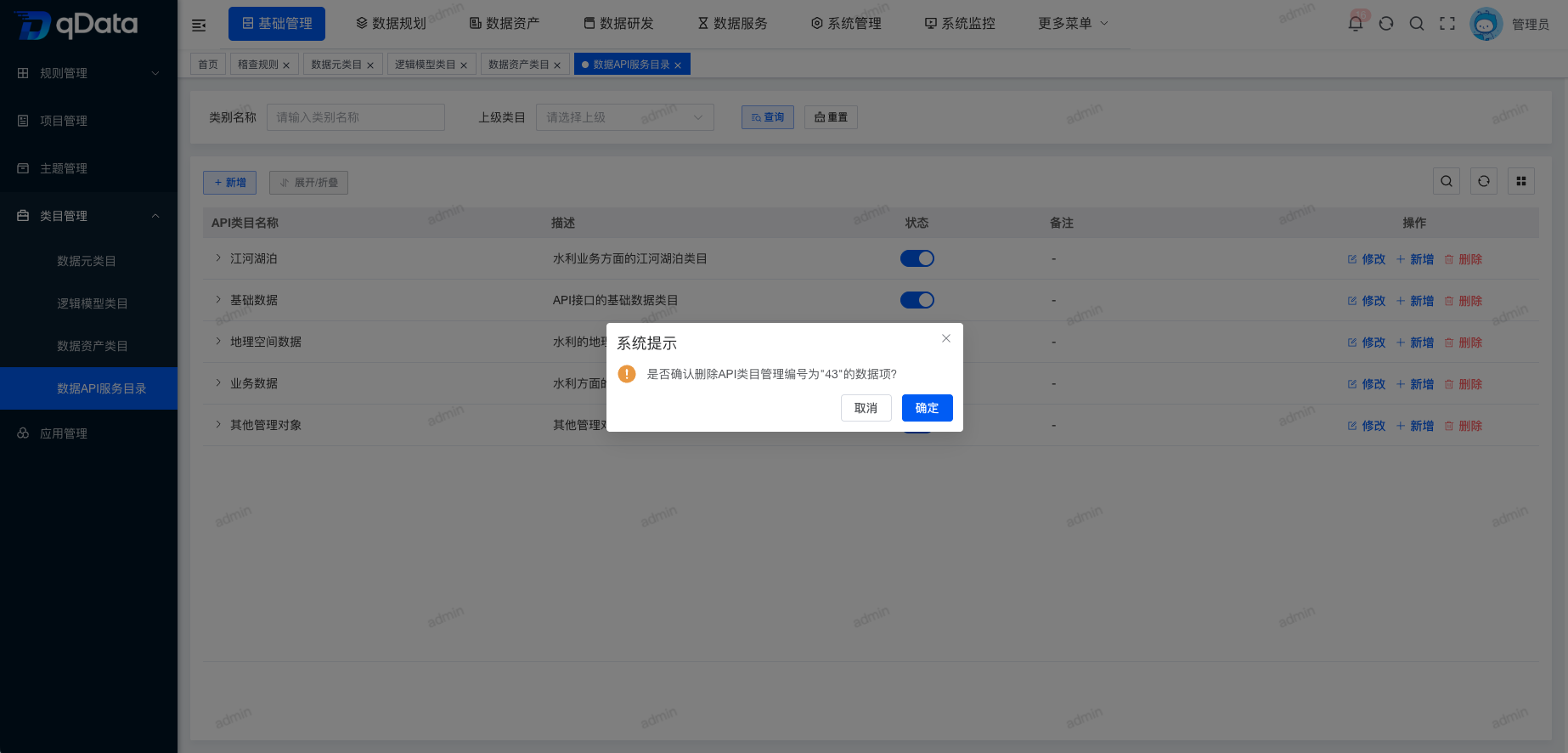
Select the data resource catalog information to delete, click Delete in the operation column, and click OK. The system will delete the data resource catalog information.
5. Add Child Data Resource Catalog with Parent Auto-Filled
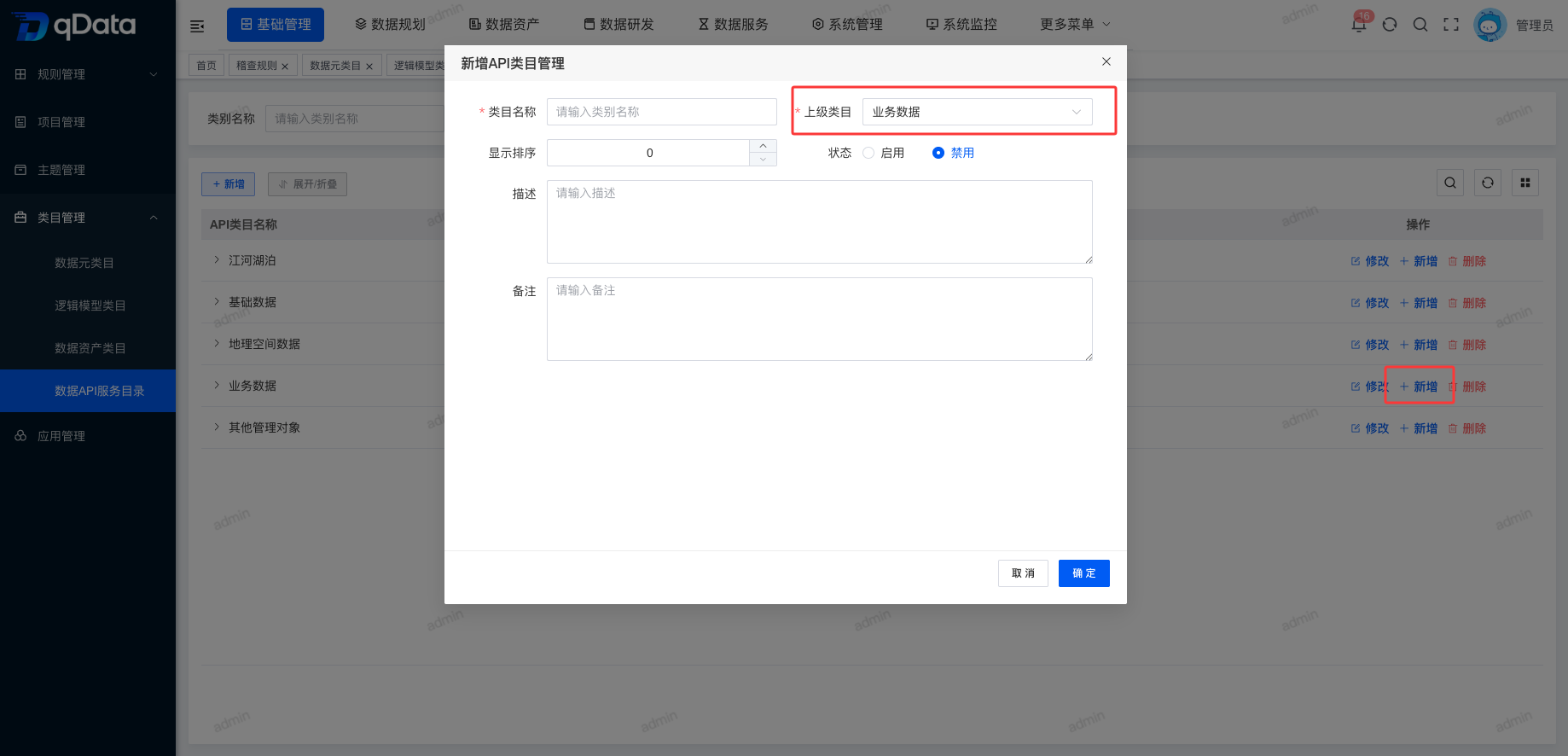
Select the target parent data resource catalog and click the Add button in its operation column. In the Add dialog, the "Parent Catalog" field automatically displays the current data resource catalog. Fill in the other information and click OK to add a child data resource catalog.
6. Expand/Collapse
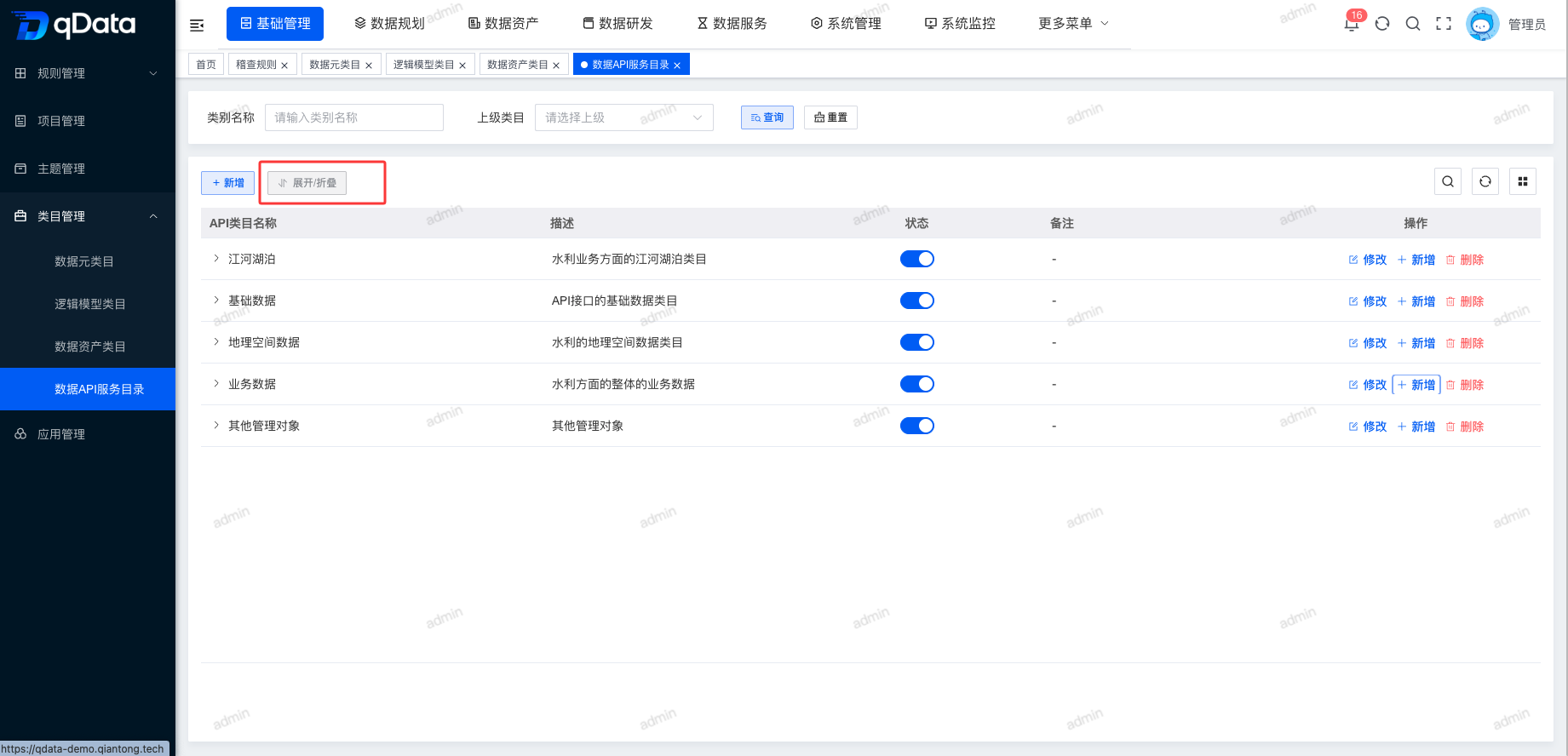
Click the Expand/Collapse button to switch the tree list between expanded and collapsed states.
7. Enable/Disable
Select the data resource catalog to enable or disable and click the switch in the status column to complete enable/disable.